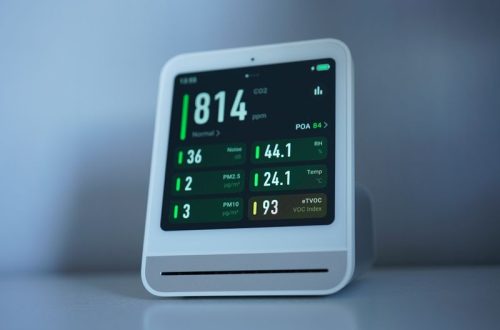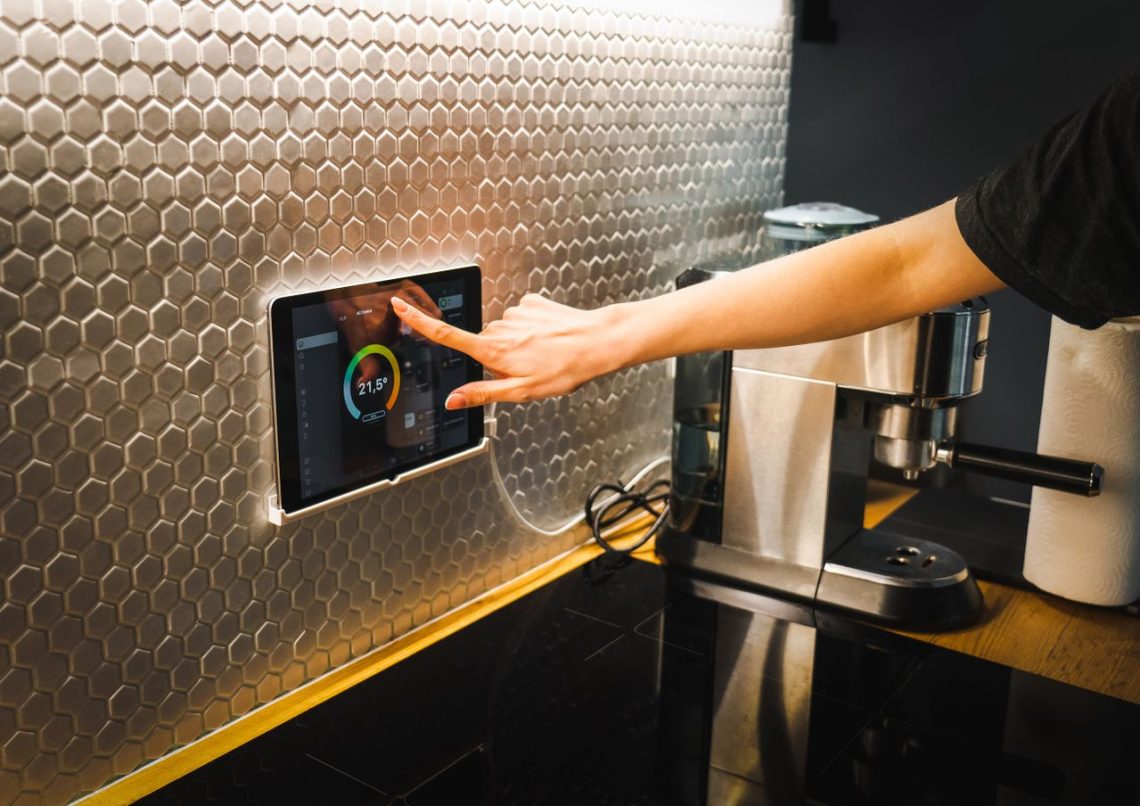
Imagine moving into a house where the lights know when you’ve woken up, the thermostat already matches your mood, and the front door recognizes your face before your hand touches the knob. That future isn’t science fiction anymore. It’s showing up in ordinary living rooms, kitchens, and basements across the country, and more homeowners are weaving it into their renovation plans every year.
But here’s the catch. Smart gadgets work best when the walls are open, the wiring is fresh, and someone has actually thought about where everything will go. Try bolting on automation after the drywall is up and the paint is dry, and you’ll pay more, get less, and probably end up with a tangled mess behind the entertainment center. That’s why thinking ahead matters so much.
This walkthrough is for anyone who has never installed a smart device, never touched a low-voltage cable, and isn’t sure what “mesh network” even means. By the end, you’ll know how to approach your renovation with a clear plan, the right questions for your contractor, and enough vocabulary to avoid getting upsold on things you don’t need.
What Does Home Automation Actually Mean?
Before you can plan for something, it helps to know what it is. Home automation, at its simplest, is a set of devices in your house that can talk to each other and to you, usually through a phone app, a voice assistant, or a central hub. Think lights that dim on a schedule, cameras that send alerts, locks you can open remotely, and sensors that notice when a window is left open.
These systems range from cheap plug-in gadgets you can set up in an afternoon to fully wired, professionally installed setups that cost as much as a new car. Most people land somewhere in the middle. The important thing to understand is that automation isn’t one product. It’s a collection of products, often from different brands, that need to cooperate.
The demand is massive and growing fast. According to IMARC Group, the worldwide automation market is climbing from USD 93.9 Billion in 2025 to USD 102.0 Billion in 2026, which tells you how quickly this stuff is becoming mainstream. Prices are dropping, options are expanding, and installers are everywhere.
Why Timing Your Planning With a Renovation Matters

A renovation gives you something precious: open walls. Once drywall is torn out, running wires, mounting backing boxes, and routing cables becomes dramatically easier and cheaper. Trying to do the same work in a finished room means cutting holes, fishing lines blindly, and patching everything afterward. The labor cost alone can double or triple.
There’s also the question of scope. Many homeowners don’t really understand the difference between remodeling and renovation, and that confusion can trip up smart home planning. A renovation usually means refreshing and updating what’s already there, while a bigger remodel can involve moving walls, changing room layouts, or rebuilding systems from scratch. If you want to know the full breakdown, the piece on remodeling and renovation is worth bookmarking before you make any decisions.
Why does this matter? Because the scope of your project determines how ambitious your automation can be. A kitchen renovation might only let you add smart under-cabinet lighting and a new thermostat. A whole-house remodel lets you rethink wiring, networking, and device placement from the ground up.
How Do You Figure Out What You Actually Need?

This is where beginners get overwhelmed. Walk into any big-box electronics store and you’ll see hundreds of smart devices, each promising to change your life. Most of them you don’t need. The trick is to start with the problems you want to solve, not the gadgets you want to buy.
Sit down with a pen and paper. Walk through your home room by room. Ask yourself questions like: Do I keep forgetting to turn off the lights? Is my upstairs always too hot? Do I worry about packages on the porch? The answers point you toward actual useful categories, not shiny toys.
Here’s a starter list of common categories to consider:
- Lighting control, including dimmers, scenes, and motion sensors
- Climate systems, such as smart thermostats and zoned HVAC controls
- Security, covering cameras, doorbells, smart locks, and alarm sensors
- Entertainment, like built-in speakers, multi-room audio, and media servers
- Energy monitoring, so you can track usage and spot waste
- Water and leak detection, which can save you from catastrophic damage
Pick the two or three categories that matter most to you. You can always add more later, but having clear priorities keeps your budget and your sanity intact.
Start Small if You’re New
If this is your first rodeo, don’t try to automate everything at once. Pick a single room or a single system and get comfortable with it. Learn how the app works, how the devices behave when the Wi-Fi hiccups, and whether you actually enjoy using it. You’ll make smarter choices for the rest of the house once you have real experience under your belt.
Planning the Infrastructure Behind Your Smart Home Tech
Here’s where most beginners stumble. They buy the devices but forget the plumbing that makes them work. Smart home tech runs on three invisible things: electrical wiring, data cabling, and a reliable wireless network. If any of those three is weak, your experience will be frustrating no matter how expensive the gadgets are.
Start with your internet. A single router stuffed in a closet won’t cut it for a modern connected home. You want strong signal in every room, including the garage and backyard if you have outdoor cameras or irrigation. Plan for a mesh system or hardwired access points at a minimum, and ask your contractor to run Ethernet cable to likely access point locations while the walls are open.
Next, think about power. Smart switches often require a neutral wire, which many older homes don’t have at every switch box. Smart shades need power at the window. Cameras need power at the eaves. Mapping these needs ahead of time avoids expensive surprises later.
Interest in these systems is huge. Statista reports that the global tally of smart homes topped 1.58 billion in 2025 and is projected to keep climbing, which means contractors and electricians are increasingly comfortable with these requests. Ask yours about their experience before signing anything.
Pick Your Ecosystem Early
Apple Home, Google Home, Amazon Alexa, Samsung SmartThings, and a growing list of others all compete for your loyalty. Each has strengths and weaknesses, and not every device works equally well across platforms. Decide early which one will anchor your setup, then buy devices that play nicely with it. Mixing too many ecosystems leads to chaos and multiple apps for the same light switch.
Budgeting Without Blowing Up Your Renovation
Smart home spending creeps up fast. A single smart switch might cost thirty dollars, but if you’re replacing twenty switches, suddenly you’re at six hundred before installation. Multiply that across lighting, climate, security, and entertainment, and the numbers get big quickly.
The healthiest approach is to carve out automation as its own line item in your renovation budget, separate from flooring, cabinets, and paint. That way you know what you’re spending and can make trade-offs with open eyes. A good rough target for first-timers is somewhere between five and fifteen percent of the total renovation cost, depending on how deep you want to go.
Here are some budget mistakes to avoid:
- Buying the most expensive hub when a mid-range one covers your needs
- Paying for professional installation on devices designed for DIY
- Forgetting ongoing subscription fees for cameras and cloud storage
- Overlooking the cost of a decent router and mesh network upgrade
- Skipping surge protection, which can fry expensive gear in one storm
Retrofits are also still a huge part of the market. According to ASDAV, retrofit work made up 64.36% of all smart home installations in 2025, which is reassuring if you can’t afford to do everything during one renovation. You can absolutely add more later. The goal right now is to build a solid foundation.
Working With Contractors and Installers the Right Way
Not every general contractor understands automation, and not every automation installer understands construction. The sweet spot is finding people who have worked together before or are at least willing to communicate openly. Insist on a pre-construction meeting where your electrician, general contractor, and automation installer are all in the same room.
Bring a written document listing every device you want, where it will go, and what it needs to function. Include power requirements, data requirements, and mounting details. The more specific you are, the fewer surprises you’ll face when the drywall goes up. Ask for cable routing to be photographed before walls are closed, so you have a record if something needs servicing later.
A few questions worth asking any installer before you hire them:
- How many projects like mine have you completed in the last year?
- Will you provide documentation and labeling of every wire and device?
- What happens if a manufacturer discontinues a product I’ve installed?
- Do you offer a service plan or ongoing support after installation?
Keep in mind that adoption is booming at the consumer level too. Parks Associates data shared through VoxBooster shows that 45% of US internet households now have a smart home device, representing a fivefold increase over the past decade. That growth means more installers, more competition, and more leverage for you as a customer. Shop around.
Conclusion
Bringing automation into a renovation isn’t about chasing every trend or filling your house with gadgets. It’s about using an open-wall moment to build infrastructure that serves you for decades. The planning you do before the first hammer swings determines how seamlessly your smart home feels once you actually move back in.
Take the time to map your priorities, pick an ecosystem, run extra cable while you can, and hire people who treat your project like a system rather than a pile of parts. Do that, and you’ll end up with a house that quietly does its job in the background, letting you focus on living in it rather than wrestling with it. The best automation is the kind you stop noticing, because it just works. That outcome starts long before anyone picks up a drill. It starts with a plan.